The fastest way to prevent revision delays and budget creep is to approve a clear brief, lock decisions at defined milestones, and route all feedback through one current file version.

Use a simple tracking method for small jobs, then move to project-management software or a creative review platform when approval volume, file confusion, or stakeholder access becomes difficult to manage.
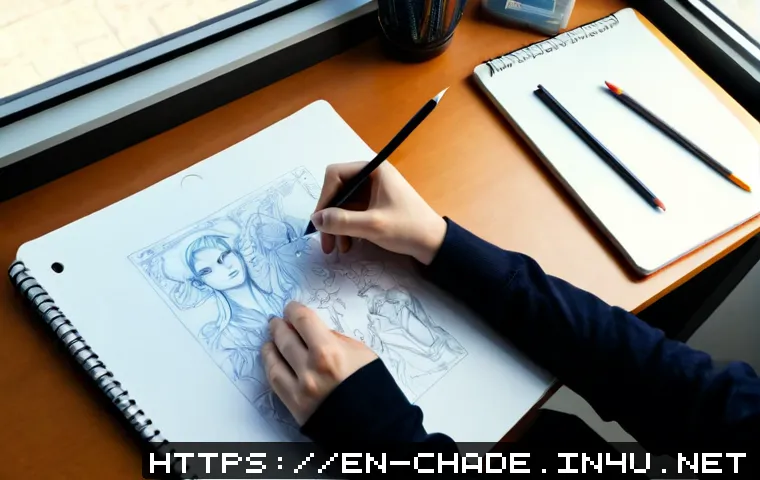
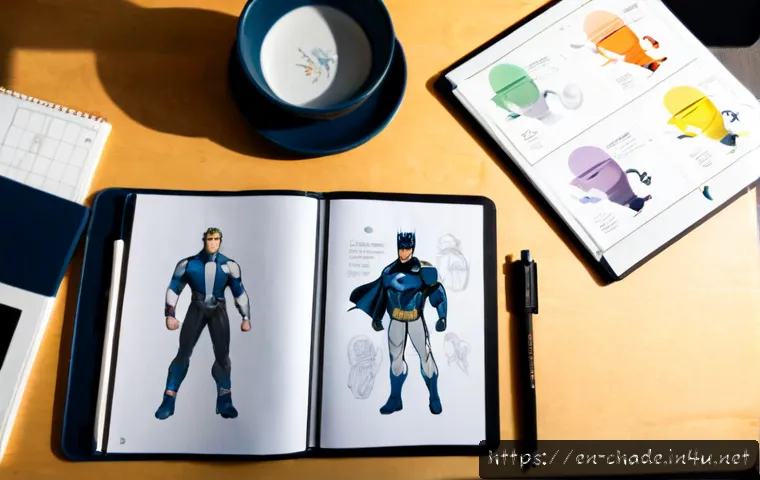
Character design projects often progress from references and concepts to a selected direction, turnarounds, expression sets, and final delivery files.
The right workflow depends on who approves the work, how many assets are involved, and where the character will be used. For client-funded work, revision limits and change-request rules make scope conversations easier before extra production work begins.
If internal capacity is limited, comparing outsourced character design quotes can also clarify whether external support fits the project.
At a Glance
- Approve the brief before sketching so the character’s purpose, style, and use case are clear.
- Use milestone approvals to stop late changes from affecting finished line art, color, or delivery files.
- Centralize versions and feedback so the team works from the current artwork and one agreed decision.
| Workflow Option | Best Fit | Main Strength | Watch For |
|---|---|---|---|
| Spreadsheet and shared folders | Solo designers or one-contact client projects | Simple tracking for tasks, versions, and approvals | Feedback can become scattered as more people join |
| Visual project board | Small teams with multiple tasks and deadlines | Clear task ownership and production status | Artwork comments may still need a separate review process |
| Creative review platform | Projects with frequent stakeholder approvals | Annotations, version history, and organized approvals | Check client access, file needs, and subscription fit |
| Outsourced art coordination | Teams with limited internal design capacity | Can add production support without expanding internal workload | Requires a strong brief, defined deliverables, and clear review roles |
Build a Project Structure Before the First Sketch
A character design project is easier to manage when production begins with decisions rather than assumptions. The core structure should identify what the character needs to do, who approves it, what files must be delivered, and which decisions are final at each stage. This is especially important when the character will appear across more than one format.
Define the Character’s Purpose, Audience, Style, and Final Use
Start with a character brief. It can define the intended audience, visual tone, personality, role, usage platform, technical requirements, and deliverables. A game character may need assets that support production dependencies, while a marketing character may need consistent visuals across campaign materials and social media.
Reference gathering should happen before concept development. The goal is not to collect endless inspiration, but to align expectations around mood, shape language, costume direction, and level of detail. If stakeholders disagree at this point, resolve that disagreement before paid production moves into more finished artwork.
Set Deliverables, File Formats, Ownership Expectations, and Approval Roles
List the expected outputs in plain language. Depending on the project, those may include concept options, a selected design, turnarounds, expression sets, editable files, and export formats. Final asset requirements differ by use case, so do not assume that one delivery package works for games, animation, print, marketing, and social media.
Also identify one decision-maker or a clearly defined approval group. When several people can comment but nobody can make the final call, revisions tend to repeat. Confirm ownership expectations and usage needs before production, then keep them visible in the project record.
Three-Line Project Summary: Brief, Milestones, and Change Control
Brief: What the character is for, who it serves, and what visual direction it should follow.
Milestones: When references, concepts, selected direction, production assets, and final files require approval.
Change control: How new requests are reviewed when they add poses, costumes, formats, or other work outside the agreed deliverables.
Compare Workflow Options for Solo Designers, Clients, and Creative Teams
The best creative project-management setup is not necessarily the most complex one. Choose a workflow that makes the current task, current artwork, latest feedback, and next approval easy to find. Add more structure only when coordination needs it.
Spreadsheet and Shared-Folder Workflow: When It Is Enough
A spreadsheet and organized shared folders can work well for a freelance designer and one client contact. Track deliverables, milestone status, version names, approval dates, and open questions. Use a naming pattern that makes the current file obvious, such as project, asset name, stage, and version.
This approach becomes less reliable when feedback arrives through several channels or several people edit the same tracking information. The issue is not the spreadsheet itself; it is the lack of a single feedback path.
Visual Project Boards: Useful for Deadlines and Task Ownership
Visual task boards are useful when a project includes multiple characters, production dependencies, or several contributors. They can show whether work is in briefing, concepting, review, production, or final delivery. Assigning task ownership also helps an art lead see where approvals are blocking the next step.
Keep board columns meaningful. A status such as waiting for client approval is more useful than a vague status such as “in progress.” Avoid turning the board into a duplicate of every conversation; use it to make decisions and responsibilities visible.
Creative Review Tools: Useful for Annotation, Version History, and Stakeholder Approvals
Creative review platforms can be a better fit when stakeholders need to comment directly on artwork, compare versions, or approve detailed visual changes. Annotation and version history help separate a current request from an older comment that has already been addressed.
Before selecting an asset-review platform, check whether clients can access it easily, whether it handles the file types your project needs, and whether its approval flow matches your team. A feature-rich tool is not helpful if reviewers continue sending untracked comments elsewhere.
Evaluate Subscription Cost Against Time Lost to Feedback and File Confusion
Project-management software and creative review tools should be evaluated against coordination problems they may reduce: missed feedback, unclear ownership, outdated artwork, and repeated approval requests. A simple workflow may remain the better option for a small, stable project. If time is repeatedly lost locating files or reconciling comments, a paid collaboration tool may be worth comparing.
Plan Milestones That Control Feedback, Scope, and Budget
Milestones separate exploration from production work. That distinction matters because changing a rough concept is different from changing completed turnarounds, color work, or final exports. Approval should mean something practical: once a stage is approved, later changes should be treated as a new request rather than an invisible revision.
Brief Approval and Visual Reference Alignment
Confirm the brief and reference direction first. This is the best stage to question audience fit, personality, visual tone, role, or platform requirements. Keep the approved references alongside the brief so future reviewers understand the basis for the selected direction.
Thumbnail Concepts and Direction Selection
Use early concepts to explore broad choices without committing to full production detail. Ask reviewers to select a direction and identify the highest-priority changes. If comments conflict, the assigned decision-maker should resolve them before the designer moves forward.
Line Art, Color, Turnaround Sheets, and Expression Sets
Once the direction is selected, production may move into line art, color, turnarounds, and expression sets. At this stage, feedback should focus on whether approved decisions are being executed correctly. Requests for a new costume, pose set, style direction, or platform format should trigger a scope review.
Budget-warning signals include recurring changes after approvals, comments from newly added stakeholders, or requests that expand the asset list. Pause and clarify whether the brief, timeline, staffing, or deliverables need to change.
Final Approval, Exports, and Archive Delivery

Final approval should confirm both artwork and delivery requirements. Check editable files, naming conventions, export formats, usage expectations, and any third-party assets used in production. Archive approved versions and the final brief together so the team can locate the source of record later.
Avoid Common Management Mistakes in Character Design Work
Most project friction comes from unclear decisions, not from the drawing process itself. A few simple controls can prevent expensive late-stage confusion.
Starting Without a Decision-Maker or Approval Deadline
Do not begin production without knowing who can approve the next stage. Set an approval deadline or a defined response point for each milestone. Without one, a project can remain in review while schedules and dependencies continue to move.
Treating Every Comment as an Equal-Priority Revision
Comments should be organized by decision impact. Separate required corrections from preferences, open questions, and ideas for a future phase. A centralized feedback document or review platform helps avoid a situation where several low-priority suggestions quietly become mandatory work.
Allowing New Poses, Costumes, or Formats to Enter Without a Scope Review
A request can sound small while adding meaningful production work. New poses, costumes, deliverable formats, or channel-specific exports should be checked against the original scope. Revision limits and change-request rules are useful because they make the discussion clear rather than personal.
Losing Track of Licensed References, Fonts, Brushes, and Third-Party Assets
Keep a project record for references, fonts, brushes, and other third-party assets used in the work. This is particularly important when final files are transferred between a designer, client, studio, or external vendor. Confirm what can be included in the handoff and what requires separate verification.
Adapt the Workflow to Your Project Type
A good character design workflow should match the number of stakeholders, the production pipeline, and the final use of the assets. The same approval structure does not need to look identical for every project.
Freelance Commissions With One Client Contact
For a freelance commission, a brief, milestone list, shared folder, and one feedback channel may be enough. Define the client contact who consolidates feedback. This keeps the designer from receiving competing instructions and makes revision limits easier to apply fairly.
Indie Game Teams Managing Multiple Characters and Production Dependencies
Indie game teams often benefit from a visual project board because character assets may affect modeling, animation, UI, narrative, or marketing work. Track each character by status and identify blocked approvals. Use consistent asset naming so production teams can distinguish early concepts from approved source material.
Animation or Marketing Teams Needing Consistent Character Assets Across Channels
Animation and marketing teams should document where the character will appear and which asset package supports each channel. A turnaround or expression set may need different delivery handling than a social media export or print-ready asset. Review consistency across channels before finalizing the archive.
When External Character Design Support May Be More Efficient Than Adding Internal Workload
External character design support may be worth considering when internal staff cannot absorb the work without delaying other production responsibilities. Requesting outsourced art quotes is more useful when the brief, deliverables, approval process, and delivery format are already defined. Compare providers based on fit for your workflow, communication needs, asset security requirements, and project scope rather than relying on a single factor.
Selection Criteria and Comparison Summary
Choose a workflow tool or outsourced support option based on these decision points:
- Approval volume: How many people need to review and approve artwork?
- File size and format: Do you need simple file sharing, detailed visual annotation, or structured asset delivery?
- Client access: Can external clients use the review process without confusion?
- Version control: Can the team quickly identify the approved artwork and current feedback?
- Budget predictability: Are revision limits, change requests, and deliverables clearly documented?
- Internal capacity: Would outside design support reduce a real workload bottleneck?
Before paying for a collaboration tool or requesting an outsourcing quote, prepare the brief, asset list, approval roles, expected file formats, and change-control process. For feature details, access conditions, and current plan options, check the relevant provider’s official page.
In Closing
Character design management works best when creative exploration and finished production are treated as different stages. Approve direction early, keep feedback attached to the correct version, and review scope whenever a request adds new work. A lightweight spreadsheet can be enough for a focused freelance project, while larger approval groups may benefit from creative project-management software or a dedicated review platform. The process should stay simple enough that people actually use it.
Useful Information to Keep in Mind
Handoff checklist: confirm editable files, final exports, version naming, usage expectations, approved references, and any third-party assets that need separate review. Keep the final archive with the approved brief and milestone records. This makes later updates easier to manage without reopening old decision debates.
Important Notes
Exact timelines, designer rates, software costs, revision volume, and outsourcing arrangements vary by complexity, region, experience level, licensing requirements, and delivery needs. Tool choice should be confirmed against your team size, client approval process, asset security needs, and required formats. Do not assume that a workflow or delivery package suitable for one use case will meet another project’s requirements.
Frequently Asked Questions
Q1. What is the best project-management tool for a character design project?
A1. The best option depends on approval volume, file size, client access needs, and how often artwork requires detailed feedback. A spreadsheet and shared folder can work for a simple project with one client contact. A visual board is useful for task ownership and deadlines, while a creative review platform can help when annotation, version history, and stakeholder approvals are central to the project.
Q2. How should character design revisions be priced or limited for client work?
A2. Define revision limits and change-request rules before production begins. Tie revisions to milestones: early concept feedback can address direction, while requests made after line art, color, turnarounds, or final delivery may require a scope review. The appropriate arrangement depends on project complexity, deliverables, licensing needs, and the client agreement.
Q3. When should a small game team outsource character design instead of hiring internally?
A3. Consider external support when internal workload is creating a production bottleneck or when the team needs design capacity for a defined project scope. Prepare a clear brief, asset list, approval process, technical requirements, and delivery format before comparing outsourced character design quotes. This makes it easier to evaluate whether a provider fits the project’s communication and production needs.